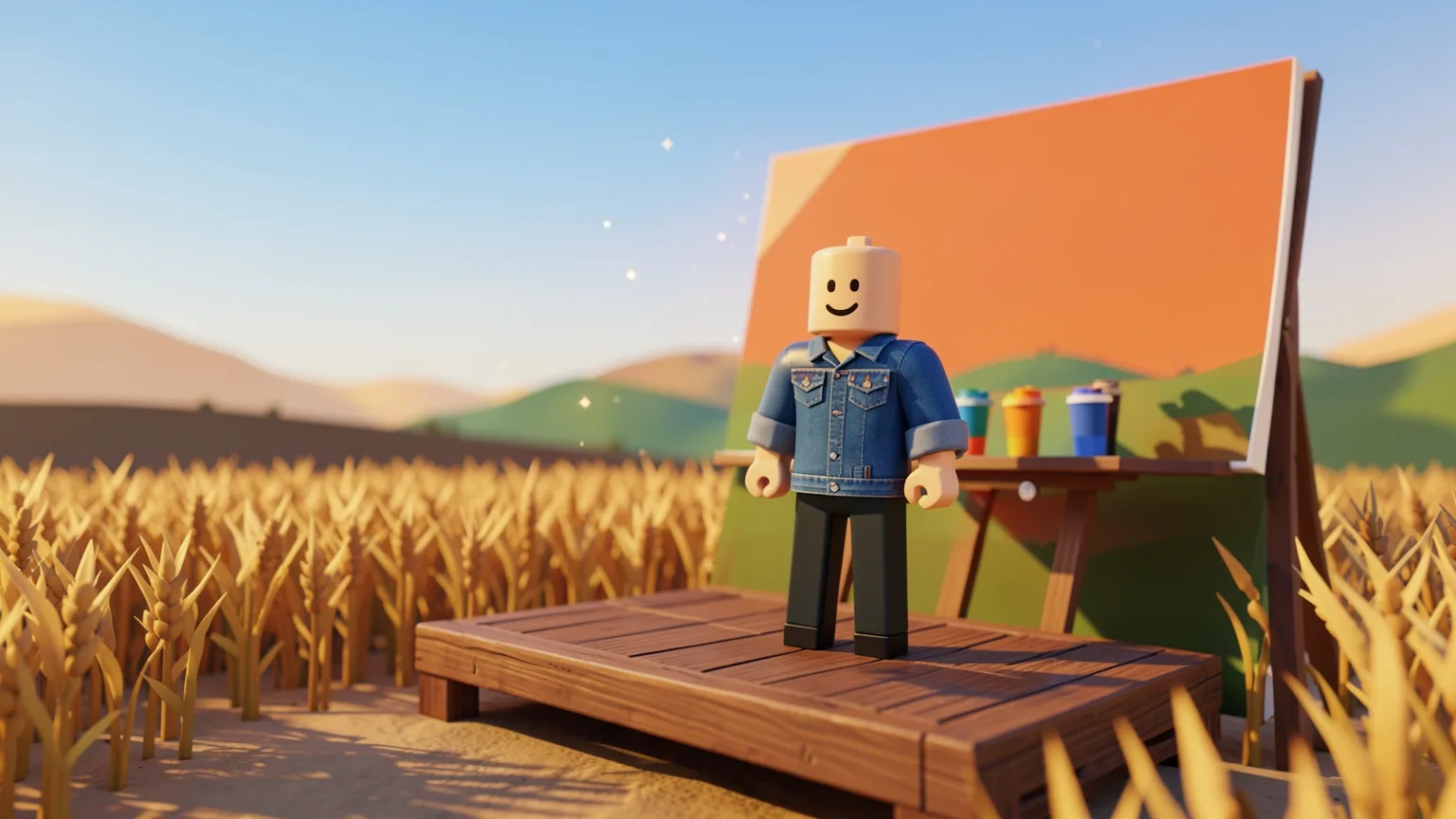
An avatar background is the scene that sits behind your avatar on your Roblox profile, like a photo studio backdrop. You can pick a default one, buy one on Marketplace, or, with Roblox Plus, make your own from a text prompt. On 5 November 2026 Roblox opened backgrounds to all eligible Marketplace creators, so the choice in the shop is about to grow a lot.
What an avatar background is
Roblox started rolling out backgrounds in July 2026 as part of a set of profile features for Roblox Plus, together with app themes and profile frames. A background is an avatar item, like a hat or a shirt, but instead of going on your avatar it goes behind it.
Where you see it changes how it looks. In the 3D view, the image is bent around a curved backdrop that Roblox calls a cyclorama, so the wall flows into the floor without a seam and your avatar stands in front of it. On your profile on the web there is no 3D scene: the background is shown as a flat picture behind your avatar’s image. Roblox says the web profile will move towards the 3D version over time.
Three ways to get one
| Way | Who can do it | What it costs |
|---|---|---|
| Pick a default background | Everyone | Free |
| Buy one on Marketplace | Everyone | From 200 Robux |
| Generate one from a text prompt | Roblox Plus subscribers | Included in Plus, with a set number of generations a month |
| Exclusive Plus set | Roblox Plus subscribers | Added to your inventory automatically |
The first backgrounds on Marketplace were made by Roblox’s own artists, followed by a group of creators in a pilot programme. Since the full release, any creator who meets the requirements can upload them, and 200 Robux is the lowest price a creator can set, so you won’t find one cheaper than that in the shop.
How to equip a background
- 1Go to your profile page.
- 2Click Avatar, then Customize.
- 3Open Backgrounds and choose one from your inventory.
Before you spend Robux on one, look at it in the shop on the device you use most. Creators on the Developer Forum have pointed out that the same background can look a little different on a phone, a tablet and the website, because each shows a different part of the image.
Making your own with Roblox Plus
Since 10 September 2026, Plus subscribers can create a background by describing it in a few words. Roblox Plus is Roblox’s subscription, which launched on 30 April 2026 at $4.99 USD a month. If you are under 18, ask a parent before you subscribe to anything.
- 1Go to your profile page and click Avatar, then Customize.
- 2Select Background, then tap the + button.
- 3Type a short description of the scene you want, for example a quiet beach at night.
- 4Preview the result behind your avatar. Each prompt gives one result.
- 5Save it to your inventory. It goes through moderation first, and once it is approved you can choose it under Customize > Backgrounds.
Generated backgrounds are for your own profile only: you can’t sell them or list them on Marketplace. Each subscriber gets a set number of generations a month, and Roblox hasn’t published that number in its announcement. Using a screenshot of another creator’s work to copy it isn’t allowed.
Selling backgrounds on Marketplace
If you like drawing or painting, backgrounds are one of the easier avatar items to make: there is no 3D modelling and no Roblox Studio step, only a 2D image. These are the rules Roblox announced for the launch:
| Rule | At launch |
|---|---|
| Who can sell | Creators with both ID verification and Roblox Plus. Groups can upload too. |
| Upload fee | 200 Robux per background |
| Lowest price | 200 Robux |
| Uploads | 1 background a day. Publishing has no limit. |
| Image size | 2560 × 1440 pixels |
| File type | JPG, PNG, TGA or BMP, flat RGB with no transparency, sRGB colour |
| Limited items | Allowed, like other avatar items |
| Review | Every background is reviewed before it goes live |
To upload one, open the Creator Dashboard and choose Create > Avatar Item > Background, upload your file, fix anything the automatic check rejects, add a title and description, and accept the 200 Robux fee. Once it passes review, you publish it from your Creations page.
Roblox says backgrounds follow the standard Marketplace fees. Under those rules, publishing an avatar item for sale also takes a publishing advance, a refundable fee you get back through rebates as the item sells. For a sale on Marketplace the creator keeps 30% at the lowest price, and a bigger share when the item is priced well above the lowest price. Each sale is held for 30 days before the Robux reach you, which works much like the pending Robux you know from gamepasses.
Roblox’s template has a safe area in the middle, where your important details should go, and a curved floor area that gets stretched. Keep tall things like trees and buildings far back, give the avatar a clear floor to stand on, and don’t add your own fade at the edges: Roblox adds one for you. Many art tools save PNGs with a transparency layer even when nothing is see-through, so flatten the image or export a JPG.
At launch you can’t advertise backgrounds the way you can sponsor other items, and creators on the forum are still asking for a way to preview them before uploading. Because you can only upload one a day, check your file carefully first.
Watch out for fake background offers
New items always bring new scams. Backgrounds only come from Roblox itself: the Avatar Customize screen, Marketplace, or the Plus generator. A website or a stranger offering “free backgrounds” for your login is after your account, not giving you a gift. Our account security guide explains how to keep it safe, and our guide to trading scams covers the tricks people use with items.
If you want to save up for a background without spending your own money, you can earn Robux on FarmRBX by completing offers and surveys and withdraw them through a gamepass, as our guide to how withdrawals work shows.